Your files stay local
Projects and imported files stay primarily in this browser. No account is required to get started
 NextLyricsEditorKaraoke Lyrics Editor
Create and edit karaoke lyrics in your browser
A focused workspace for importing songs, editing lyrics, managing subtitles, timing words, checking previews, and exporting from your own project
Projects and imported files stay primarily in this browser. No account is required to get started
Review playback and previews through the browser on desktop, tablet, and mobile
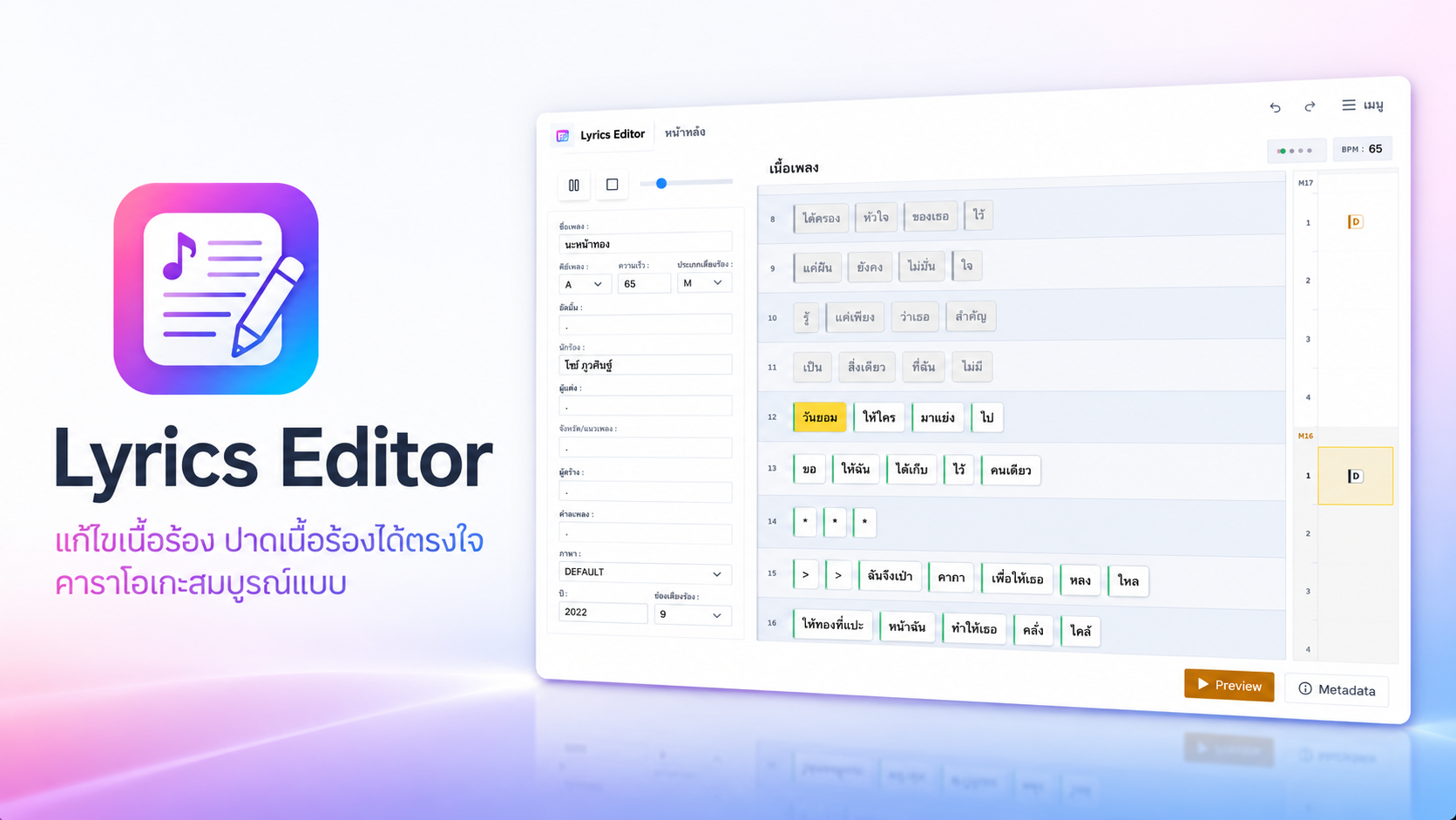
Each project keeps the song, lyrics, subtitles, timing, chords, and related files together, so returning to an old song stays organized
When only a few words are wrong, edit and save those words in Edit Lyrics. Existing timing stays intact
Thai and English can use the legacy path when the data is compatible. Other languages use UTF-8 and should be opened with a UTF-8-capable tool
No. NextLyricsEditor runs in the browser and keeps projects primarily on your device
Normal editing uses the browser and local storage on your device. Song files are not uploaded for editing
Open that line in Edit Lyrics, change the required word, and save only that word
Press Start App or the main button, then open an existing project or choose New Project